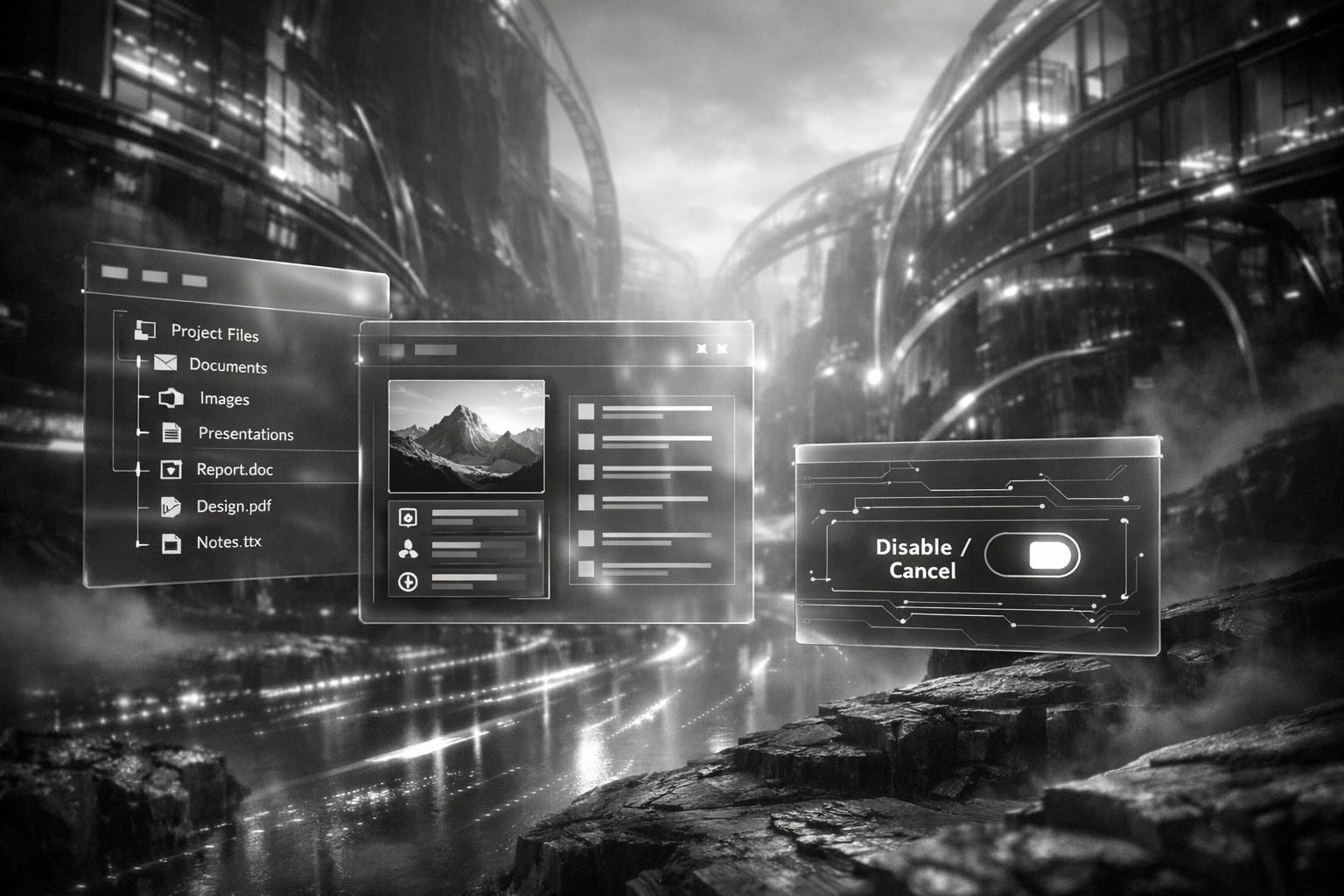
A simple question that could decide your next Windows rollout
What if the most used app in Windows, File Explorer, quietly became an AI interface, and your users started asking it questions about their files before you had time to update policy, training, or compliance rules? That is the practical tension behind reports that Microsoft is testing a deeper Copilot integration directly inside Windows 11 File Explorer, alongside something enterprises have been asking for since "AI everywhere" became the default: an option for IT administrators to remove it.
As of January 2026, the information circulating publicly is still preliminary and largely attributed to posts on X summarizing tech updates rather than a detailed Microsoft announcement. But the direction fits Microsoft's broader strategy of making Windows feel AI native, and it lands at a moment when Apple and Google are also pushing assistant style features closer to the operating system.
What "Copilot in File Explorer" actually means in day to day work
File Explorer is not just a file browser. For many people it is the front door to work. It is where they hunt for the latest deck, rename a batch of photos, zip a folder for a client, or figure out which version of a contract is the right one. Embedding Copilot into that window changes the workflow from clicking and sorting to asking and acting.
In the most useful version of this idea, a user could type a natural language prompt such as "show me the spreadsheet I edited last Friday that mentions Q4 forecast" or "find the newest PDF in this folder and summarize it." The promise is speed, fewer context switches, and less reliance on remembering exact filenames or folder structures.
The risk is also obvious. File Explorer is where sensitive material lives. If an assistant is present at the point of access, the questions become less about whether AI is helpful and more about what the assistant can see, what it can send, what it can log, and what it can do on a user's behalf.
The detail that matters most: an uninstall or disable path for IT
The most consequential part of the reports is not the integration itself. It is the suggestion that IT administrators may be able to uninstall or fully disable Copilot in this context. That is a different posture from "you can hide the button" or "you can turn off a feature for some users." Uninstall implies a cleaner, more enforceable boundary.
Enterprises have learned the hard way that optional features become de facto mandatory when they are baked into core interfaces. If Copilot sits inside Explorer, it becomes part of the default user journey. An uninstall option gives IT a way to decide whether that journey belongs in their environment at all, rather than spending months playing whack a mole with settings, UI toggles, and user workarounds.
Five benefits of removability that go beyond "we don't like change"
First, it restores desktop standardization. Many organizations still treat the Windows image as a controlled product. When a new assistant appears in a core tool, it can break that standardization overnight. Being able to remove it keeps the baseline stable across departments, regions, and device classes.
Second, it reduces compliance ambiguity. If a feature can access or infer information from local and synced files, compliance teams will ask where prompts and responses are processed, what telemetry is collected, and how long data is retained. Even if Microsoft provides strong answers, some industries cannot accept the uncertainty during early rollout. Removability buys time to validate.
Third, it improves incident response. When something goes wrong, a clean removal path is a safety valve. If a new integration triggers unexpected behavior, performance issues, or policy conflicts, IT can respond quickly without waiting for a patch cycle or retraining thousands of users.
Fourth, it supports segmented adoption. The best AI deployments are rarely "all at once." They start with a pilot group, then expand. If Copilot is embedded in Explorer, segmented adoption becomes harder unless the platform supports real on off control. Uninstallability makes pilots meaningful because the control group can remain truly unchanged.
Fifth, it clarifies accountability. When a tool is optional, ownership is clearer. The business can choose to adopt it, fund training, and define acceptable use. When it is unavoidable, responsibility blurs between vendor defaults and internal policy. A removable Copilot makes it easier to say, "we chose this, and here is how we govern it."
The productivity upside is real, but it depends on one unglamorous thing: permissions
The best case scenario is compelling. Imagine a project manager who can ask Explorer to "collect the latest status reports from each team folder and draft a summary," or a finance analyst who can locate "the final signed version" of a document without opening ten near duplicates. These are not futuristic tasks. They are the daily friction that burns hours.
But the moment an assistant can search and summarize, it becomes a permissions amplifier. If a user can access a file, the assistant can likely access it too. That is fine until it is not. Organizations with messy file shares, inherited permissions, and years of "everyone has access just in case" will discover that AI does not create new data exposure, it reveals the exposure that already exists.
In practice, the organizations that benefit most from Copilot in Explorer will be the ones that already invested in clean access control, sensible retention, and clear labeling. AI rewards good hygiene and punishes the lack of it.
What to watch for in Windows Insider builds and Microsoft's next disclosures
Because the current reporting is not yet backed by a detailed Microsoft post, the next credible signals will likely come from Windows Insider preview notes, enterprise documentation, and policy references that show up in management tooling. The difference between a UI integration and a platform level feature is usually visible in the controls: Group Policy settings, Intune configuration options, and clear language about what "disable" means versus "remove."
If Microsoft positions this as an enterprise ready feature, expect explicit statements about data handling, tenant boundaries, and administrative enforcement. If it is positioned as a consumer convenience first, expect a lighter touch at launch and a longer tail of enterprise hardening.
A practical playbook for IT leaders evaluating Copilot in File Explorer
Start by treating this as a file access feature, not a chat feature. The questions to ask are the same ones you would ask about a new indexing service or a new sync client. What content can it read, what content can it generate, and where does that processing happen.
Then decide what "success" looks like. If the goal is to reduce time spent searching, measure that. If the goal is to reduce duplicate documents, measure that. AI projects fail when they are judged by vibes instead of outcomes.
Finally, plan for user behavior, not just policy. If Copilot is in Explorer, people will use it impulsively. They will paste client names, internal codenames, and half formed thoughts. Training should be short, specific, and repeated, and it should include examples of what not to ask in a shared environment.
Why this moment matters for the software industry, not just Windows fans
For years, AI assistants lived in separate apps. That made them easy to ignore and easy to govern. Putting an assistant inside File Explorer is a statement that the operating system itself is becoming the interface for AI, and that the most valuable AI features will be the ones that sit on top of your existing work, not the ones that ask you to change how you work.
The uninstall option, if it holds up in official documentation, is the other statement. It suggests Microsoft understands that enterprise adoption is not just about capability. It is about control. And in 2026, control is the feature that decides whether AI becomes a quiet productivity win or the next thing IT has to spend a year containing.
If Copilot can live inside the place where your organization stores its memory, the real question is not whether people will talk to their files, but whether your files are ready to talk back.